How to sculpt 3D online with aukimi
Turn a sphere into a small stone creature in your browser. Learn the brushes, symmetry, masking and export checks that make a first sculpt manageable.
On this page
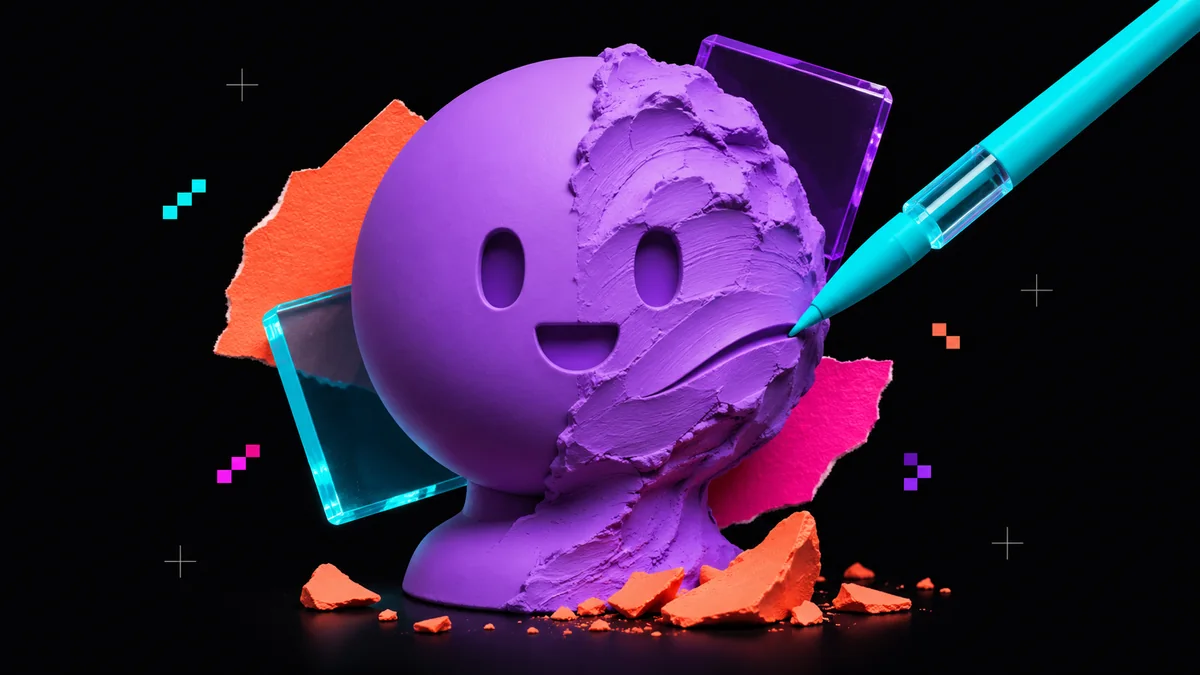
You can learn how to sculpt 3D online by giving yourself one clear assignment. Make a small stone creature with a round body, two eye sockets and a flat base. Its silhouette should remain readable at thumbnail size. This exercise in aukimi Sculpt introduces the controls you need for shaping, refining and saving a browser sculpt.
Set up a sphere and a useful working view
Open Sculpt and add a sphere from the Objects tab in the right properties panel. Select it and switch to Sculpt mode. The centre viewport shows your mesh, while the left column groups brushes, masking and geometry tools. Brush Size and Brush Strength are also available in the toolbar. Keep the Sculpt documentation beside the exercise when locating a panel.
Enable X symmetry for the first pass. Pick a front view where the symmetry plane runs through the centre of the face, then inspect the side. Start with a broad brush and low strength. Make a few short strokes to see their effect before committing to a long drag. Save an initial project with a recognisable name such as stone-creature-01.
Build the silhouette before the face
Choose the Move brush from the brush palette. Pull the top of the sphere slightly upward and widen the lower body. The Move brush deforms the surface. The Move mode and its gizmo reposition the whole object, so check the active tool before dragging. Turn the model to inspect both front and side profiles.
Use Clay to add two broad cheeks and a brow. Keep the strokes shallow so the creature still reads as a rounded stone. Use Flatten on the underside to suggest a stable base. Hold Shift while brushing to smooth a rough transition. Recheck the silhouette after each group of strokes, including the back and underside.
Carve a simple face with controlled strokes
Reduce the brush radius before working on the face. Use Crease for two restrained eye recesses and a short mouth line. With symmetry enabled, work on one side and inspect the result on both. Build a small nose with Clay. Smooth around the sockets so they feel carved into the same material as the body.
Use the Masking section to protect the face while adjusting the cheeks or the top of the head. Test one small stroke beside the mask to confirm the protected region stays still. Unmask when finished. Turn symmetry off near the end and add one shallow chip to a cheek. That small uneven detail gives the stone a distinct character.
Add resolution only when the shape needs it
If the surface cannot hold the eye shape cleanly, use Subdivide to increase density one level, then inspect again. Keep larger proportion changes at a lower working density whenever possible. Watch the face count and responsiveness in the status bar. More geometry increases the work your browser and device must handle.
When a pulled region becomes visibly stretched, Sculpt offers DynaMesh to rebuild the surface. Save a version before remeshing and check the face afterwards. A sculpt layer can hold an additional detail pass with adjustable strength. Try it for small cracks so you can reduce their depth without rebuilding the face.
Save the editable sculpt and test an export
Keep a native .sculpt3d project for further editing. Use the Export tab for a delivery mesh. Sculpt supports formats including GLB, glTF and OBJ. Choose GLB for this browser handoff, then import the file into aukimi Engine or your intended viewer.
- Reopen the native project and confirm your objects and working state are present.
- Inspect the exported creature from the front, side and underneath.
- Check its size, orientation and material appearance in the destination.
- If the mesh is too dense for your game, prepare a lighter delivery mesh and compare its silhouette.
Finish when the face reads clearly and the exported file opens correctly. Make a second creature from the same starting sphere to practise changing proportions. Open Sculpt and give the next one a taller body or a wider brow.