Build a multiplayer game in your browser
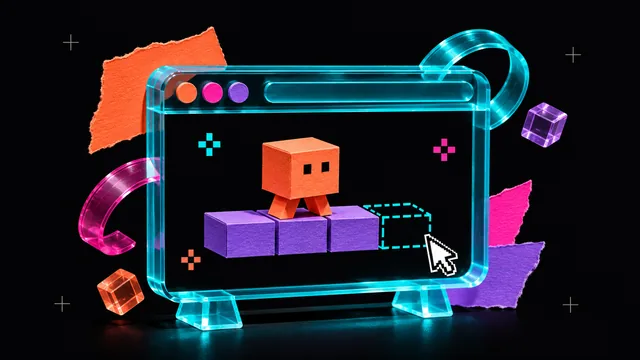
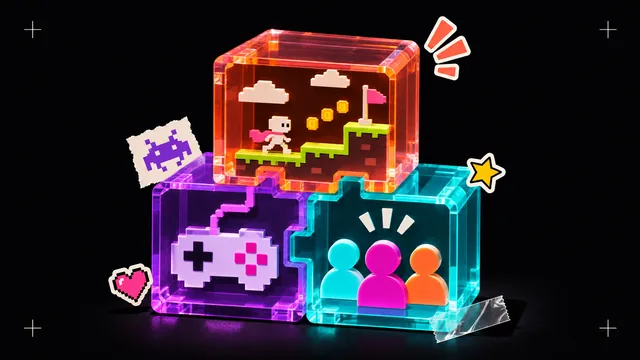
Plan a tiny two-player game in aukimi Engine. Connect a test room, decide which rules the server owns, and check the exported web build on two devices.
Pre-Launch Updates
Follow our journey as we build aukimi. Updates, announcements, and behind the scenes.
Plan a tiny two-player game in aukimi Engine. Connect a test room, decide which rules the server owns, and check the exported web build on two devices.
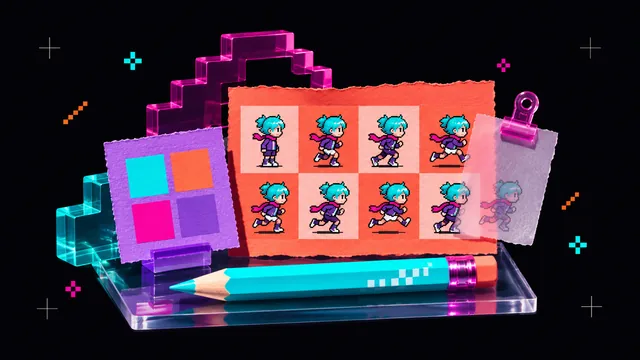
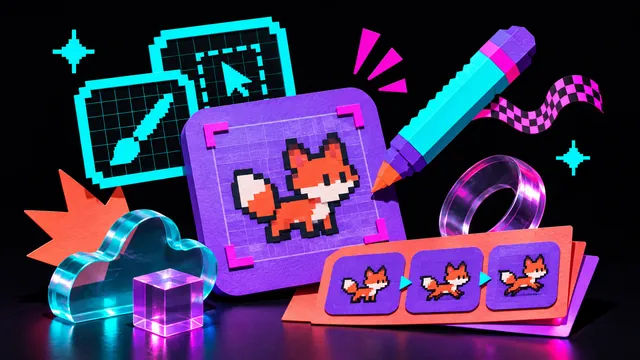
Build a small pixel art workflow in your browser. Choose a palette, draw a 16×16 sprite, animate four poses and check the exported files.
Turn a sphere into a small stone creature in your browser. Learn the brushes, symmetry, masking and export checks that make a first sculpt manageable.
Build a small playable course in aukimi Engine, add movement and a goal, test it with a player, then export a web build from the browser.
Compare aukimi, Affinity, Krita, Blender and Photopea by the work you need to deliver, from layered images and vectors to video, audio and 3D.
Build a practical indie game toolkit around one playable scene. Compare aukimi, Godot, Blender and Piskel by the work each tool needs to deliver.
Choose creative software by testing the work you need to finish. Compare saving, recovery, offline access, device support and the next handoff.
Choose glTF, GLB, USD or USDZ for the next handoff in your 3D project. Check textures, scale and animation before you deliver an asset.
Learn how WebGPU connects browser apps to GPU rendering and compute, what JavaScript and WGSL do, and what to check on your own device.
Compare aukimi Pixel, Piskel, Pixilart and Pixelorama for sprites, animation and game assets. Choose the editor that fits what you want to make.
Rockstar lists November 19, 2026 for GTA 6 on PS5 and Xbox Series X|S. Check your local unlock time, preload and Xbox Cloud Gaming options.
How 90 clips from a GTA VI development build reached the public in 2022, and what Arion Kurtaj’s November 2026 guilty plea means for the case.
What does a growing games market mean for a small studio? Start with a playable scope, a launch budget and a way for players to find your game.
Draw a bouncing ball on a 16×16 canvas, set the timing for four frames in aukimi Pixel, then export your loop as a GIF.
Draw a 16×16 pixel art heart with four colors. Follow the grid row by row and download a PNG reference, a text pattern and the JSON source.
What Adobe, Figma, Canva, Luma and other teams announced from April 27 to May 4, 2026, and how those AI creative tools fit into a studio workflow.
Evaluate AI music and sound effects for indie games. Compare loops, one-shot sounds and custom scores, and check the rights before release.
See where image-to-3D tools fit in game development and which checks to run on the resulting mesh, from topology and UVs to engine import.
Follow a Gaussian splatting workflow from camera capture to real-time display. Learn where splats work well and when to combine them with meshes.
Compare generated, procedural and capture-based PBR texturing. Choose a material workflow that fits your assets and test it under changing lighting.
Build palettes with complementary, analogous, triadic and tetradic colors. Learn how to balance accents and check contrast in a real layout.
Learn how password entropy depends on random selection and how long passphrases and unique manager-generated passwords reduce guessing risk.
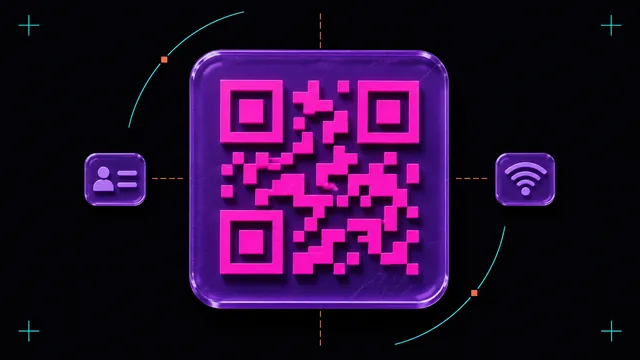
Create QR codes that share Wi-Fi settings, contact cards or message drafts. See the payload formats and test what happens on each phone.
Build a favicon set with SVG, PNG, ICO and manifest icons. Check how it looks in browser tabs, home screens and installed web apps.
Understand the green-channel difference between OpenGL and DirectX normal maps. Diagnose inverted shading and choose the right format for your project.
Explore how shared assets, predictable controls and fewer handoffs can make creative software easier to use during a real project.
Understand how WebGPU opens up GPU rendering and compute for browser-based creative tools, and what to test on browsers, devices and drivers.
Follow one creative project across design, 3D, audio and video. See where shared files cut repeated exports and help you keep track of edits.
Learn what WebAssembly does in creative web apps, from importing files to processing images, and how it works alongside JavaScript and WebGPU.
See how creative tools run in a browser, from graphics and storage to collaboration. Learn what to check when you move a project to the web.
Evaluate a browser-based studio by how it handles memory, loading, offline work and synchronization on the projects you actually create.
See how aukimi shares changes across creative modules, and follow a texture or audio edit through a project with shared assets.
Explore India’s digital creative ecosystem through film VFX, independent games and tools that make it easier to learn and share work.
Explore the techniques Japanese animation and pixel art bring to games, including strong silhouettes, expressive frames and deliberate timing.
Trace Finland’s gaming legacy from Nokia’s Snake to Remedy and Supercell, and explore what aspiring developers can learn from that history.
Explore game development in Vietnam through mobile studios, game art and outsourcing, and learn what makes a clear production handoff.
Explore the links between Israel’s startup culture and creative technology through game development, design software and digital art.
Explore Romania’s animation and VFX scene through studios in Bucharest and Cluj-Napoca and the work involved in producing a shot.
Follow the path from Korean manhwa and webtoons to game art, character design and player interaction.
Explore Russia’s independent game development scene and how small teams build distinctive games with limited production resources.
Explore Turkey’s digital art community through Istanbul’s creative scene, mobile game art and the work of independent artists.
Explore Taiwan’s creative industries through rhythm games, digital art and independent creators at Taipei Game Show.
Explore how creative teams can reduce unnecessary exports, reuse assets and extend the life of their equipment, with Denmark as a starting point.
Explore how Czech animation and craft traditions inform digital art, from puppet movement and silhouettes to texture and lighting.
Explore Arabic calligraphy in digital design, from drawing strokes to checking joined letters, proportions and reading order.
Explore independent game development in China through local game jams, small studios and projects that draw on Chinese visual culture.
Explore Thailand’s creative economy through traditional arts, animation studios and game development.
Explore Dutch design traditions and put design thinking into practice with observation, quick prototypes and tests with users.
Explore Nordic game development through Swedish studios, collaboration and the communities that help creators test new ideas.
Explore Budapest’s creative tech scene through independent game studios, digital designers and small teams sharing their work.
Explore Bengali paintings, cinema and visual traditions as references for digital illustration, animation and design.
Explore how creators in Arctic Norway approach remote collaboration, browser tools and sharing project files over limited connections.
Explore Germany’s indie game development scene, from Berlin and Cologne to local game jams, studio networks and first playable builds.
Explore video game development in Brazil through independent studios, game jams and the teams behind playable releases.
Explore the work of Ukrainian game developers, animators and digital artists, and the practices that help a team keep projects moving.
Learn how open file formats, working files and clear documentation can help preserve digital art as software changes.
Explore Poland’s game development community through independent teams, larger studios and the spaces where developers share their work.
Explore digital creative education in Latin America, from animation programs in Mexico to game development training in Argentina.